
Descrição
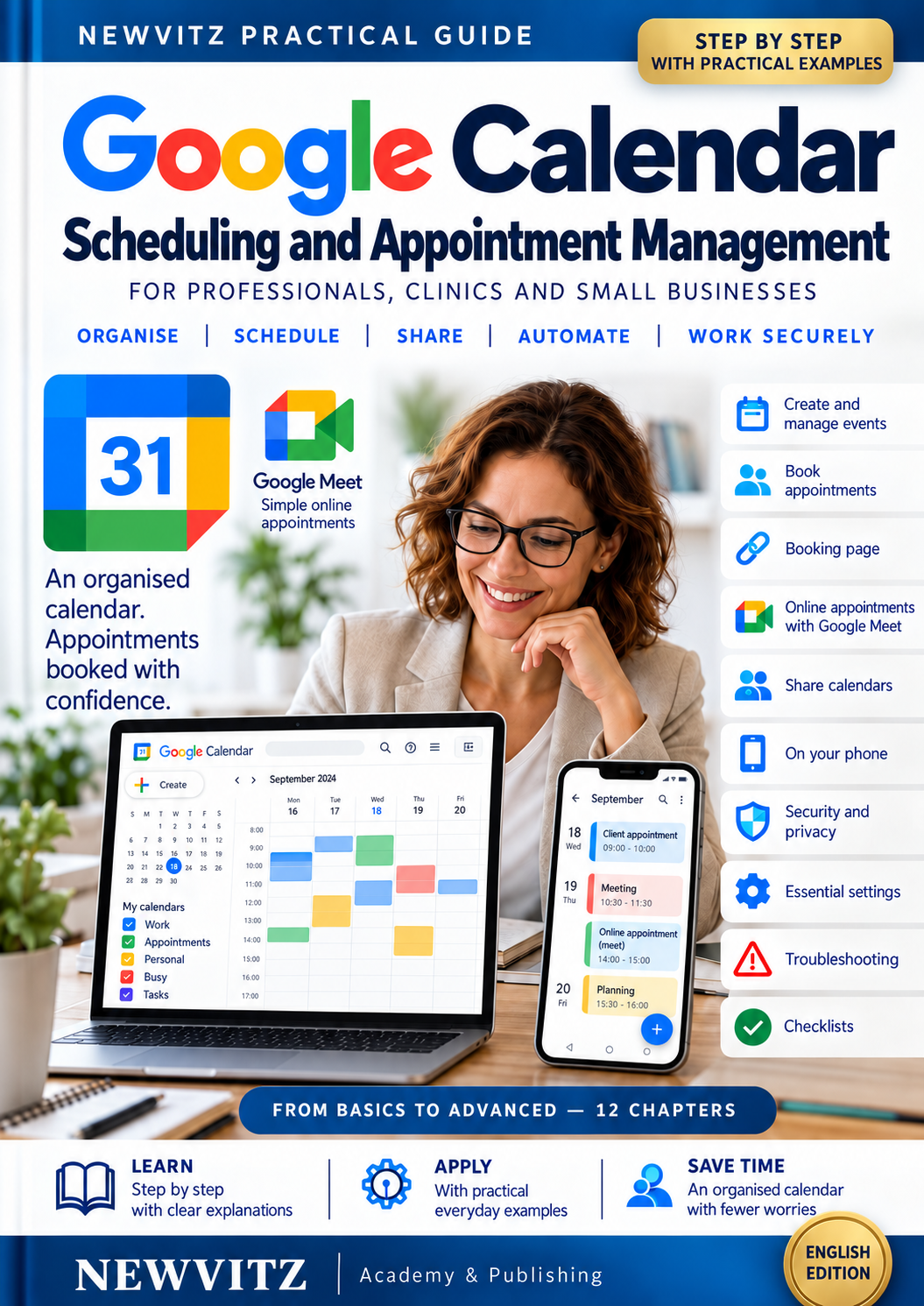
Google Calendar Practical Guide
Scheduling and Appointment Management
A clear, practical guide for professionals, clinics and small businesses who want to organise their time and manage appointments more confidently.
Through twelve progressive chapters, you will learn how to set up Google Calendar, create appointments, offer available booking slots and establish a consistent routine for confirmations, reminders and follow-up.
What you will learn
- Set up your account, calendars, working hours and time zones.
- Create, confirm, reschedule and cancel appointments.
- Build a booking page with defined availability and appointment buffers.
- Prepare online appointments using Google Meet.
- Organise your week with calendars, colours and time blocks.
- Use Calendar across your computer, phone and tablet.
- Review sharing permissions and protect personal information.
- Diagnose common problems with events, invitations, notifications and synchronisation.
Learn by doing
The guide includes practical examples, exercises using fictional data, daily and weekly checklists, frequently asked questions and clickable links to official Google help resources.
No advanced technical knowledge is required. Work through each chapter at your own pace and practise directly in your account.
Product details
Language: English
Format: Digital PDF
Length: 168 pages
Chapters: 12
Publisher: NEWVITZ — Academy & Publishing
This purchase includes the English-language guide. It does not include a printed book, a Google subscription or individual technical support. Some Google features require an eligible account or paid subscription.
An independent educational publication by NEWVITZ, not affiliated with or endorsed by Google.